Triple-pane browsing. Zero reloads.
Sidebar, list, and live preview stay put while you switch Models, Datasets, Spaces, and Papers. Pick a repo and the right pane renders the model card instantly — no new tabs, no full-page reloads.


 ohmyhfUnofficial
An unofficial, open-source app for browsing, downloading and managing the Hugging Face Hub — fast, local, private.
v0.0.20 · Apache-2.0 · macOS / Windows / Linux · No telemetry


ohmyhf fixes this.
Sidebar, list, and live preview stay put while you switch Models, Datasets, Spaces, and Papers. Pick a repo and the right pane renders the model card instantly — no new tabs, no full-page reloads.
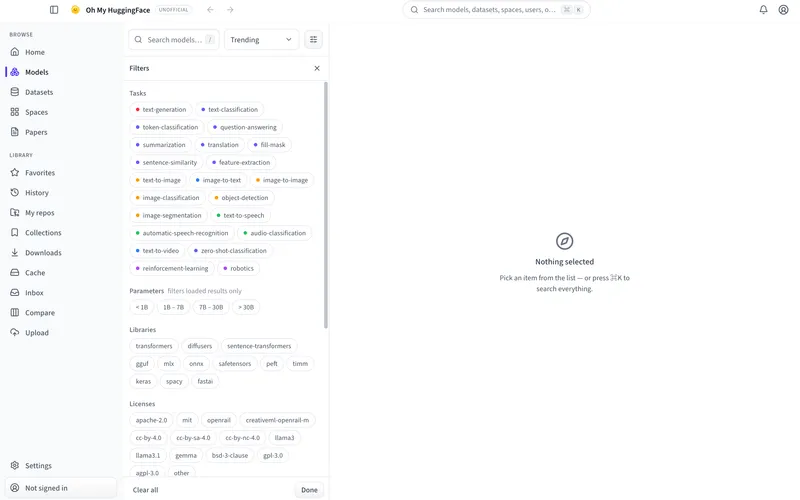
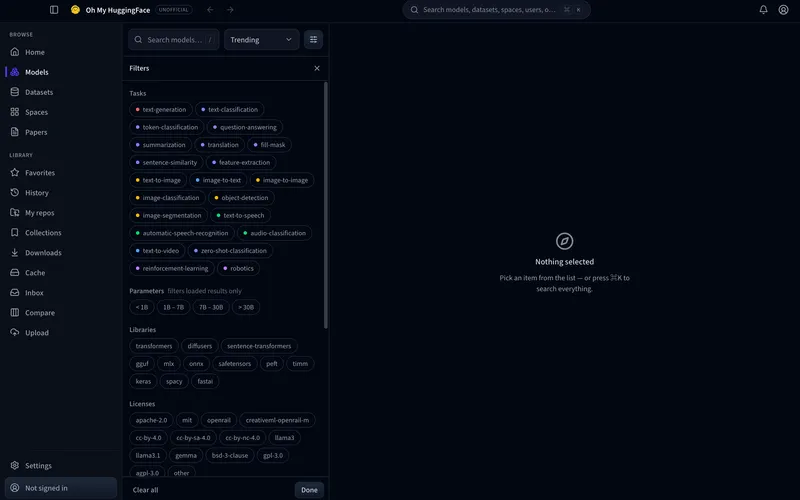
Open filters beside the model list: task, parameter size, library, and license. Clear all or hit Done — then keep browsing the same three panes. ⌘K is always there when you want to search everything.
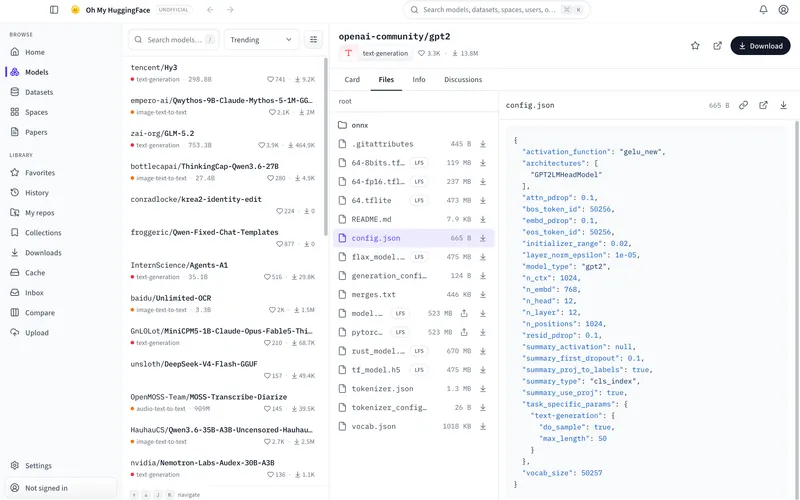
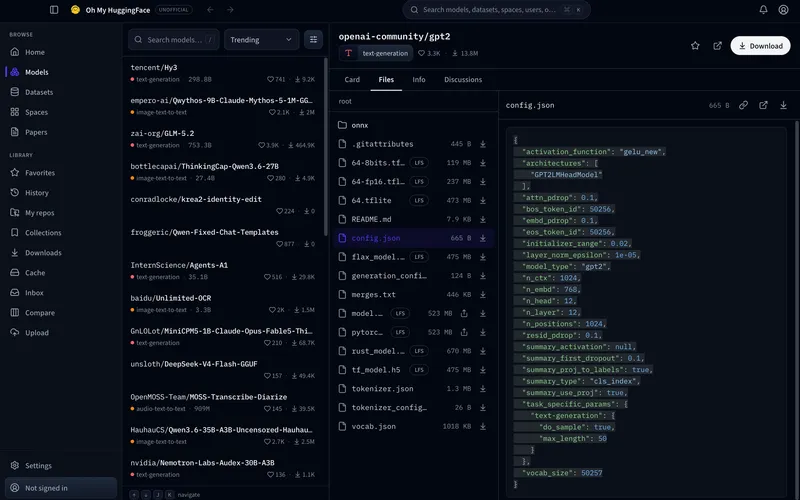
Switch to Files on any repo: walk folders, select a weight or config.json, and read it in the side preview — without leaving the desktop window or dumping another browser tab.
Follow people and orgs, skim posts in the center, and keep an eye on trending models, datasets, and spaces in the right rail. Library items like favorites, downloads, and cache live in the same sidebar.


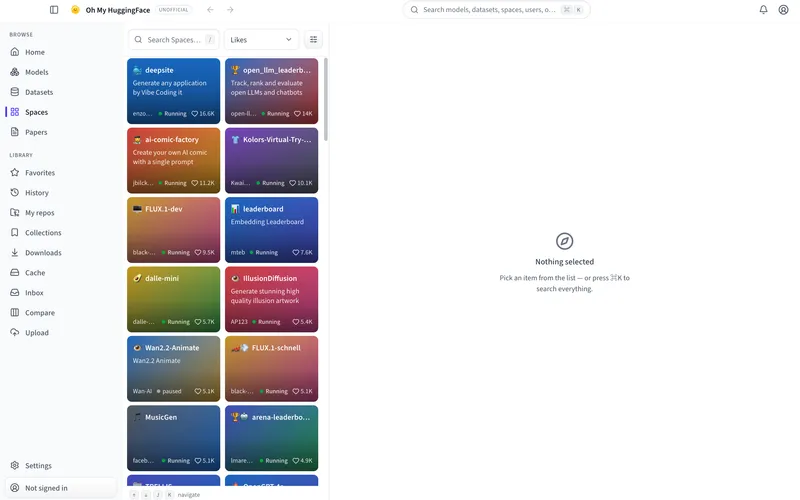
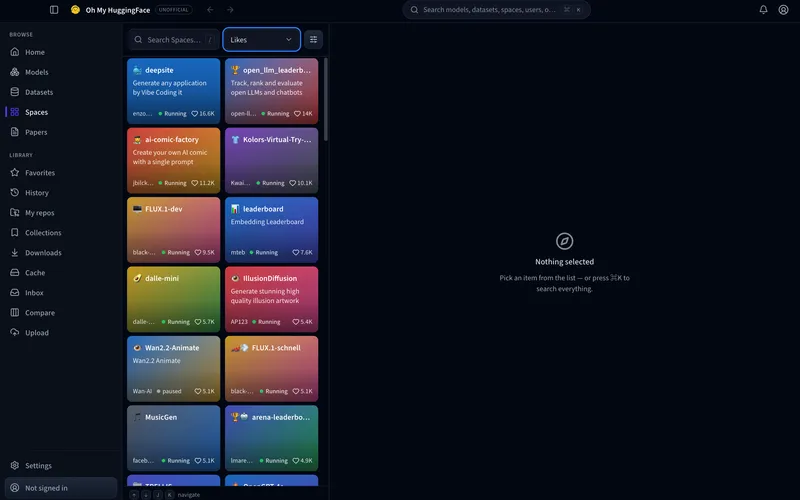
Browse running Spaces in a card grid with status and likes, then open one when you’re ready. The detail pane waits until you pick — same three-pane rhythm as Models.
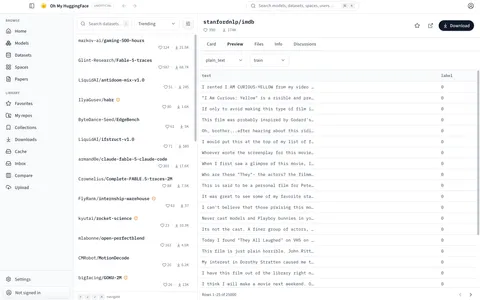
Preview dataset rows before you download anything.
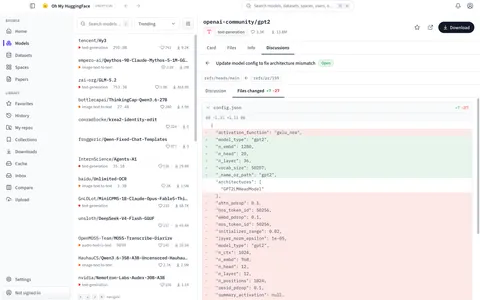
Full PR review — diffs, comments, and all.
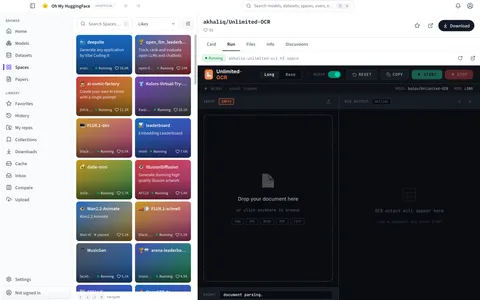
Run a Space right inside the app.

Public profiles — repos, papers, and activity.

Read community posts in place.
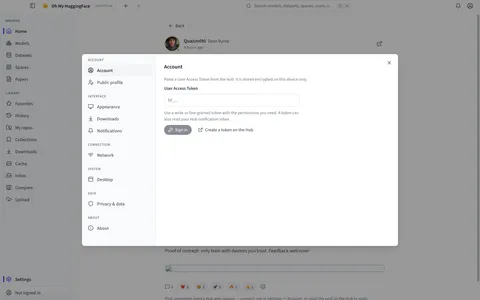
Account, network, privacy — every setting, one modal.
Richer follow notifications for users, orgs, repos, and Daily Papers — tuned so the signal stays useful.
Side-by-side model compare with more metadata and benchmarks, so picking a checkpoint stays a glance.
Push GGUF into Ollama or LM Studio, send models to ComfyUI, and run an in-app inference playground — without leaving the desktop.
Apache-2.0 licensed. Read the code, fork it, audit it — the full repository is public on GitHub.
Everything stays local in SQLite. No telemetry. OAuth tokens are stored with OS-level encryption — never in plaintext. Downloads write to the standard Hugging Face cache, with a visualizer to reclaim disk.
Native builds for macOS, Windows, and Linux. Resumable, parallel downloads with sha256 checks and system notifications — plus in-app updates from GitHub Releases.
Latest release: v0.0.20. Installers and checksums come from the GitHub Releases page.
dmg (Apple Silicon)
Unsigned build for now — see the signing notes.
exe installer
AppImage / deb (x64)
No. ohmyhf is an unofficial open-source project. It is not affiliated with, associated with, or endorsed by Hugging Face, Inc. “Hugging Face” is a trademark of Hugging Face, Inc., used here for identification purposes only.
Yes. The app is free and open source under the Apache-2.0 license. You can use it, study it, and contribute without paying a fee.
All app data stays on your machine in a local SQLite database. Tokens are stored with OS-level encryption, never in plaintext. There is no telemetry, and the source is public so you can audit what runs.
ohmyhf targets macOS, Windows, and Linux. Builds ship as dmg, exe installer, and AppImage / deb, with in-app updates from GitHub Releases.
Yes. Downloads write to the standard Hugging Face cache layout. Models and datasets you fetch in ohmyhf work with huggingface-cli, transformers, and other tools that expect that layout.
We welcome issues, pull requests, and translations. Start with the contributing guide in the repository — it covers setup, coding standards, and how to propose changes.